
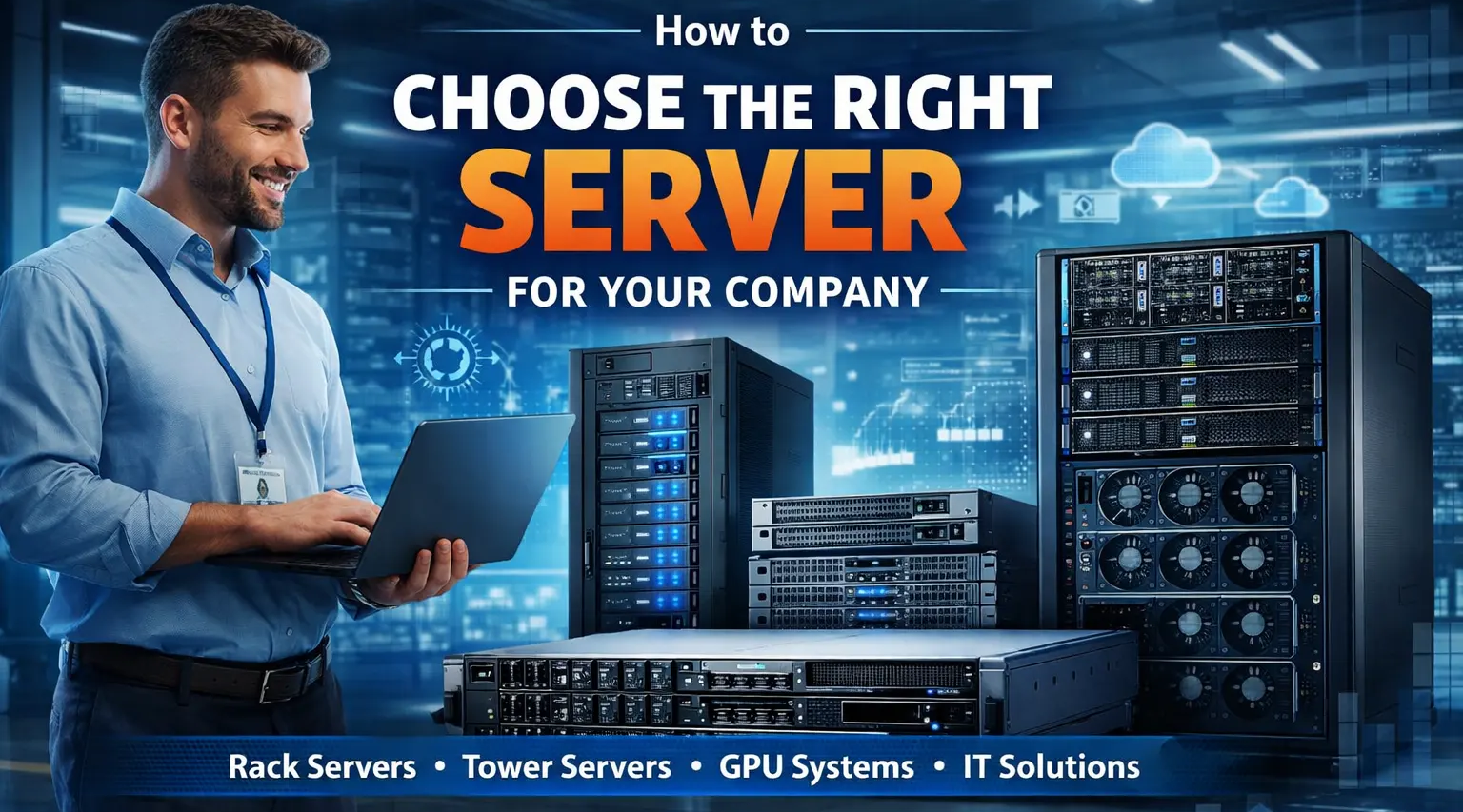
Choosing the right server for your company is one of the most important decisions when building a reliable IT infrastructure. Whether you are running a small office, a growing enterprise, or a large data center, selecting the correct server ensures better performance, security, scalability, and long-term cost savings. Businesses today rely on servers for file storage, virtualization, cloud applications, databases, ERP systems, email hosting, and many other critical operations.
With so many options available such as tower servers, rack servers, blade servers, and high-performance enterprise systems, companies often struggle to decide which server fits their needs. In this guide, we will explain how to choose the right server for your company, what specifications to consider, and how ICTECH Distribution helps businesses in UAE, Africa, and international markets find the best server solutions at competitive prices.
Why Choosing the Right Server Is Important
A server is the backbone of your company’s IT environment. If the server is too weak, your business will face slow performance, downtime, and data issues. If the server is too expensive or overpowered, you may waste budget unnecessarily.
The right server should provide:
- Stable performance
- High reliability
- Data security
- Easy upgrade options
- Long-term support
- Compatibility with business software
Companies using the correct server hardware experience fewer failures, better productivity, and improved security.
ICTECH Distribution supplies a wide range of enterprise servers from leading brands, helping companies choose the correct configuration based on their workload and budget.
Step 1 – Understand Your Business Requirements
Before buying a server, you must understand what the server will be used for.
Common business server uses include:
- File storage server
- Application server
- Database server
- Virtualization server
- Backup server
- Email server
- Web hosting server
- AI / GPU server
For example:
Small office → File server or small tower server
Medium company → Rack server with virtualization
Large enterprise → Multiple rack servers or blade servers
AI / rendering → GPU server or high-performance server
ICTECH Distribution helps businesses analyze their requirements and choose the correct server model.
Step 2 – Choose the Right Server Type
There are different server types available, and each has a different purpose.
Tower Server
Tower servers look like desktop computers but are more powerful.
Best for:
- Small offices
- Basic file storage
- Light applications
- Budget setups
Advantages:
- Low cost
- Easy to install
- Quiet operation
Disadvantages:
- Limited scalability
- Not ideal for large companies
Rack Server
Rack servers are the most common servers used in companies and data centers.
Best for:
- Medium to large companies
- Virtualization
- ERP systems
- Databases
- Cloud environments
Advantages:
- High performance
- Easy to scale
- Professional setup
- Multiple servers in one rack
Popular models available through ICTECH Distribution include Dell PowerEdge, Lenovo ThinkSystem, and HP ProLiant rack servers.
Blade Server
Blade servers are used in large enterprise environments.
Best for:
- Data centers
- High density computing
- Large virtualization projects
Advantages:
- Very powerful
- Space saving
- Centralized management
Disadvantages:
- Expensive
- Complex setup
GPU / AI Server
These servers are designed for heavy computing.
Best for:
- AI
- Machine learning
- Rendering
- Video processing
- Scientific workloads
ICTECH Distribution supplies GPU servers with NVIDIA GPUs for high-performance computing.
Step 3 – Select the Right Processor (CPU)
The processor is the most important part of a server.
Common server CPUs:
- Intel Xeon Silver
- Intel Xeon Gold
- Intel Xeon Platinum
- AMD EPYC processors
Choose based on workload:
Light workload → Xeon Silver
Medium workload → Xeon Gold
Heavy workload → Xeon Platinum / EPYC
AI / virtualization → High core count CPU
More cores = better multitasking
Higher frequency = better speed
ICTECH Distribution provides server configurations with the latest processors.
Step 4 – Choose the Correct RAM Size
RAM affects how many users and applications the server can handle.
Recommended RAM:
Small office → 16GB – 32GB
Medium company → 64GB – 128GB
Virtualization → 128GB – 512GB
Enterprise → 512GB+
Always choose servers with upgrade options.
Servers supplied by ICTECH Distribution support high-capacity ECC RAM for stability.
Step 5 – Select Storage Type and Capacity
Storage is critical for performance and data safety.
Types of storage:
HDD
- Cheap
- Large capacity
- Slower
SSD
- Fast
- Reliable
- Higher cost
NVMe
- Very fast
- Best for database / virtualization
Recommended setup:
OS → SSD / NVMe
Data → HDD + RAID
Database → NVMe
RAID is important for data protection.
Common RAID types:
RAID 1 – Mirror
RAID 5 – Balanced
RAID 10 – High performance + safety
ICTECH Distribution provides servers with enterprise RAID controllers and SSD/NVMe options.
Step 6 – Check Network Requirements
Server network speed is important for performance.
Common options:
1Gb Ethernet – small office
10Gb Ethernet – medium business
25Gb / 40Gb – enterprise
Fiber network – data center
If your company uses virtualization or large files, choose faster network ports.
Step 7 – Consider Virtualization Needs
Many companies use one server to run multiple virtual machines.
Virtualization platforms:
- VMware
- Hyper-V
- Proxmox
- Linux KVM
If using virtualization, choose:
- High core CPU
- Large RAM
- NVMe storage
- Rack server
ICTECH Distribution supplies servers optimized for virtualization.
Step 8 – Think About Future Expansion
Always buy a server that can grow.
Check for:
- Extra RAM slots
- Extra drive bays
- PCIe slots
- Dual CPU support
- GPU support
A scalable server saves money later.
ICTECH Distribution helps businesses choose servers that support future upgrades.
Step 9 – Choose a Reliable Brand
Enterprise servers should always be from trusted brands.
Popular server brands:
- Dell PowerEdge
- HP ProLiant
- Lenovo ThinkSystem
- Supermicro
- ASUS servers
These brands offer:
- Long support
- Spare parts
- Firmware updates
- Enterprise reliability
ICTECH Distribution supplies genuine servers with warranty and global support.
Step 10 – Buy from a Trusted Server Distributor
Buying from a trusted distributor ensures:
- Original products
- Best price
- Correct configuration
- Fast delivery
- Technical support
ICTECH Distribution is a leading IT hardware distributor supplying servers, storage, networking, and enterprise equipment to businesses in UAE, Africa, and international markets.
Companies choose ICTECH Distribution for:
- Competitive pricing
- Large stock availability
- Latest server models
- Bulk supply support
- Fast export service
Common Server Buying Mistakes
Avoid these mistakes:
- Buying too small server
- Buying too expensive server
- Ignoring upgrade options
- Using desktop instead of server
- Not using RAID
- Not planning for virtualization
Correct planning saves money and prevents downtime.
ICTECH Distribution helps companies avoid these mistakes by recommending the right hardware.
Conclusion
Choosing the right server for your company requires careful planning. You must consider workload, users, storage, RAM, processor, scalability, and future expansion before buying. A properly selected server improves performance, security, and productivity while reducing long-term costs.
Whether you need a small office server, a virtualization server, or a high-performance enterprise system, ICTECH Distribution provides reliable server solutions from top brands with competitive pricing and fast supply.
Businesses across UAE, Africa, and global markets trust ICTECH Distribution for professional IT hardware distribution and enterprise server supply.
Q&A
Q1. What type of server is best for a small company?
A tower server or entry-level rack server with 16GB–32GB RAM and SSD storage is usually enough for small businesses.
Q2. How much RAM should a business server have?
Small office: 16–32GB
Medium company: 64–128GB
Virtualization: 128GB+
Enterprise: 256GB+
Q3. Which is better, SSD or HDD for servers?
SSD is faster, HDD is cheaper. Most companies use SSD for OS and HDD for storage.
Q4. Which server brand is most reliable?
Dell, HP, Lenovo, and Supermicro are among the most reliable enterprise server brands.
Q5. Where can I buy enterprise servers in UAE?
You can buy enterprise servers from ICTECH Distribution, a trusted distributor supplying server hardware, storage, and networking equipment for businesses.
