
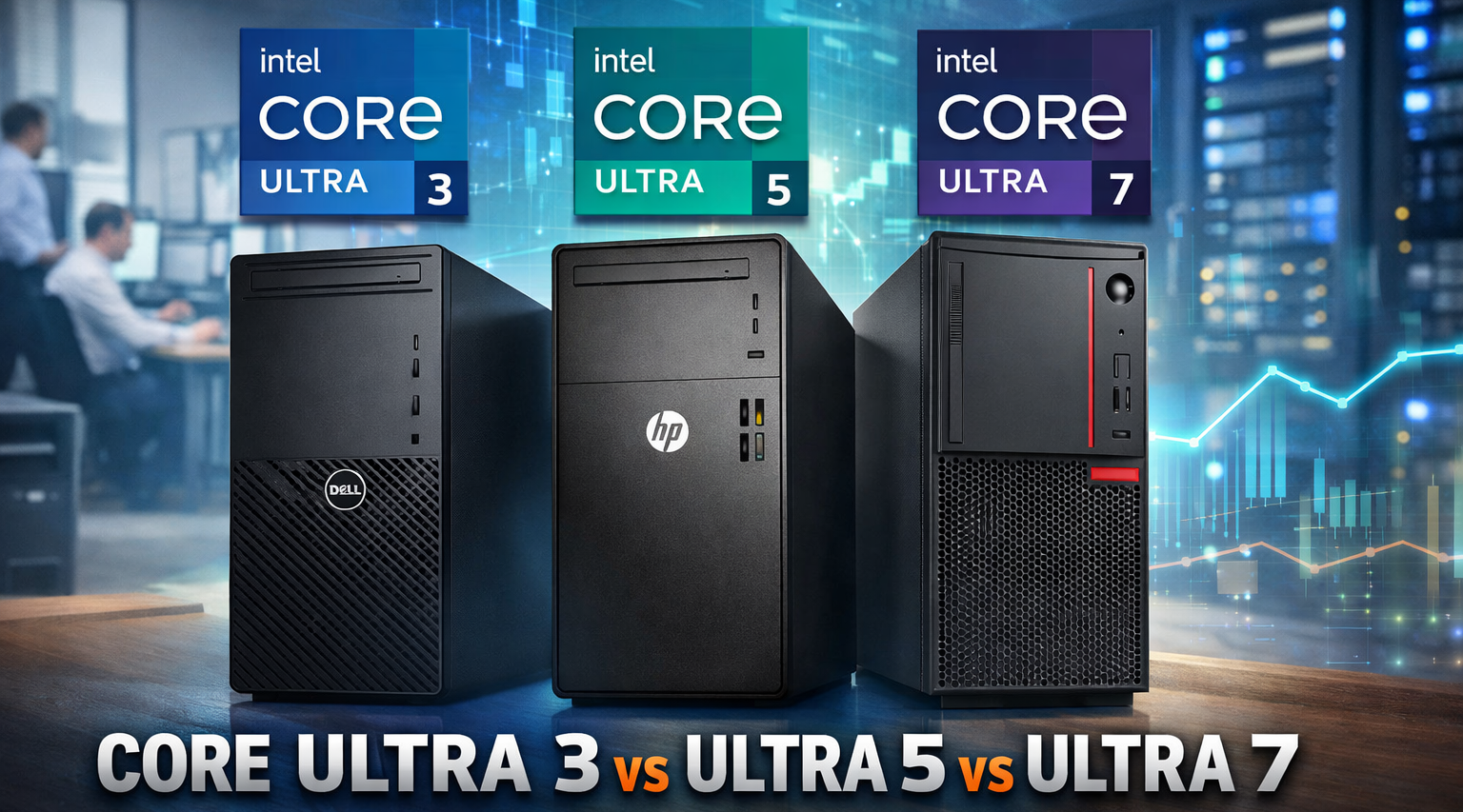
Intel Core Ultra 3 vs Ultra 5 vs Ultra 7 Tower Desktops for Business in 2026
When businesses plan an office IT upgrade or bulk desktop procurement, one of the most common questions is simple but important:
Should we choose Intel Core Ultra 3, Ultra 5, or Ultra 7 tower desktops?
In 2026, tower desktops remain the backbone of professional computing across the UAE, Africa, and global enterprise markets. From SMEs and call centers to government departments and corporate headquarters, choosing the right processor tier directly impacts productivity, budget efficiency, and long-term scalability.
At ICTECH Distribution, customers frequently compare modern tower desktop configurations such as:
- Intel Core Ultra 3 entry-level business towers
- Intel Core Ultra 5 mainstream office desktops
- Intel Core Ultra 7 high-performance corporate workstations
This updated guide explains the key differences between Ultra 3, Ultra 5, and Ultra 7 towers, highlights real business stock examples, and helps organizations select the best desktop class for their needs.
Why Tower Desktops Still Matter for Business
Even with laptops and mini PCs growing in popularity, tower desktops continue to dominate many professional environments because they offer:
- Better performance per cost
- Easier upgrades for RAM and storage
- Longer operational lifespan
- Strong cooling for all-day workloads
- Lower total cost of ownership in bulk deployments
For offices deploying dozens or hundreds of PCs, tower desktops remain the most practical long-term investment.
Understanding Intel Core Ultra 3, Ultra 5, and Ultra 7 for Business
Intel’s new Core Ultra lineup replaces older i3/i5/i7 naming and is designed in tiers:
- Core Ultra 3: Entry-level productivity
- Core Ultra 5: Mainstream business performance
- Core Ultra 7: High-end multitasking and enterprise workloads
The right choice depends on workload requirements, department needs, and future upgrade planning.
Intel Core Ultra 3 Towers: Affordable Entry-Level Business PCs
Core Ultra 3 desktops are built for everyday office productivity at the lowest cost.
Stock Example: Intel Core Ultra 3 Business Desktop
A typical configuration includes:
- Intel Core Ultra 3 processor
- 8GB RAM
- 256GB or 512GB SSD
- FreeDOS or Ubuntu
Common tower models include:
- Dell OptiPlex entry-level Ultra 3 MT variants
- HP Pro Tower Ultra 3 configurations
- Lenovo ThinkCentre Neo entry business towers
Best Use Cases for Core Ultra 3 Towers
Ultra 3 systems are ideal for:
- Reception desks
- Basic admin workstations
- Call center agents using CRM tools
- Education labs with light workloads
- Retail billing counters
Pros
- Lowest cost per unit
- Efficient for everyday office tasks
- Ideal for large-scale budget deployments
Limitations
- Not suited for heavy multitasking
- Limited long-term headroom for advanced workloads
Intel Core Ultra 5 Towers: The Business Sweet Spot
Core Ultra 5 desktops are expected to become the most popular choice for companies because they deliver the best balance of price and performance.
Stock Example: Intel Core Ultra 5 Business Towers
Typical configuration includes:
- Intel Core Ultra 5 processor
- 8GB or 16GB DDR5 RAM
- 512GB NVMe SSD
- Wi-Fi and corporate expansion support
Popular models include:
- Dell Pro Tower Ultra 5 series
- HP Pro Tower Ultra 5 business desktops
- Lenovo ThinkCentre Neo Ultra 5 towers
Best Use Cases for Core Ultra 5 Towers
Ultra 5 systems are ideal for:
- Accounting and finance teams
- HR and administration departments
- ERP and CRM business applications
- SME office productivity environments
- Standard corporate staff desktops
Pros
- Strong multitasking performance
- Best value for corporate procurement
- Longer lifespan than entry-level systems
Why Ultra 5 Is the Most Common Business Choice
For most employees, Ultra 5 provides more than enough power without the premium cost of Ultra 7 systems.
Intel Core Ultra 7 Towers: High-Performance Enterprise Desktops
Core Ultra 7 desktops are designed for organizations that require maximum productivity for demanding workloads.
Stock Example: Intel Core Ultra 7 Business PCs
Typical configuration includes:
- Intel Core Ultra 7 processor
- 16GB RAM recommended
- 512GB or 1TB NVMe SSD
- Enterprise-ready tower chassis
Examples include:
- Dell Pro Tower Ultra 7 models
- HP Elite Tower Ultra 7 enterprise deployment systems
- Lenovo ThinkCentre M-series Ultra 7 business towers
Best Use Cases for Core Ultra 7 Towers
Ultra 7 desktops are recommended for:
- Enterprise multitasking departments
- Data analytics and reporting teams
- Engineering and design support offices
- IT teams running virtualization tools
- Government and corporate HQ deployments
Pros
- Maximum performance headroom
- Handles heavy workloads smoothly
- Best long-term investment for power users
Considerations
Ultra 7 towers cost more, so they are best deployed selectively for high-demand roles rather than across all staff.
Quick Comparison: Core Ultra 3 vs Ultra 5 vs Ultra 7 Towers
| Feature | Core Ultra 3 | Core Ultra 5 | Core Ultra 7 |
|---|---|---|---|
| Best For | Entry-level tasks | Mainstream office work | High-end business workloads |
| Performance Level | Basic productivity | Balanced multitasking | Advanced multitasking + analytics |
| Typical Buyers | Call centers, reception | SMEs, corporate offices | Enterprises, government HQ |
| Cost Efficiency | Lowest | Best value overall | Premium investment |
| Future Scalability | Limited | Strong | Maximum |
Best Buying Approach for Companies
Most organizations achieve the best procurement strategy by mixing tiers:
- Core Ultra 3 desktops for reception and basic roles
- Core Ultra 5 towers for the majority of employees
- Core Ultra 7 systems for specialized departments and power users
This ensures cost efficiency while providing performance where it matters most.
ICTECH Distribution: Supplying Business Tower PCs at Scale
ICTECH Distribution supports businesses, resellers, and system integrators across the UAE and Africa with a wide range of Intel Core Ultra 3, Ultra 5, and Ultra 7 tower desktops.
With stock availability across Dell, HP, and Lenovo business desktop families, ICTECH Distribution provides:
- Bulk corporate procurement support
- Competitive B2B pricing
- Reliable sourcing for IT deployments
- Scalable solutions for SMEs, enterprises, and government buyers
Whether you need entry-level Ultra 3 desktops or high-performance Ultra 7 towers, ICTECH Distribution ensures the right supply for your organization.
Q&A: Choosing Intel Core Ultra Towers for Business
Q1: Is Core Ultra 3 enough for office work?
Yes, Ultra 3 desktops are suitable for email, browsing, admin tasks, and basic productivity workloads.
Q2: Why is Core Ultra 5 the most popular business choice?
Ultra 5 provides the best mix of affordability, multitasking performance, and long-term value for most employees.
Q3: When should a company invest in Core Ultra 7 desktops?
Ultra 7 towers are best for analytics teams, IT departments, virtualization workloads, and power users.
Q4: Can businesses mix Ultra 3, Ultra 5, and Ultra 7 desktops in one deployment?
Yes, many organizations deploy Ultra 3 for entry-level roles, Ultra 5 for standard users, and Ultra 7 for specialized departments.
Q5: Where can companies source Intel Core Ultra tower desktops in bulk?
ICTECH Distribution supplies Dell, HP, and Lenovo tower desktops powered by Intel Core Ultra processors for corporate procurement
