
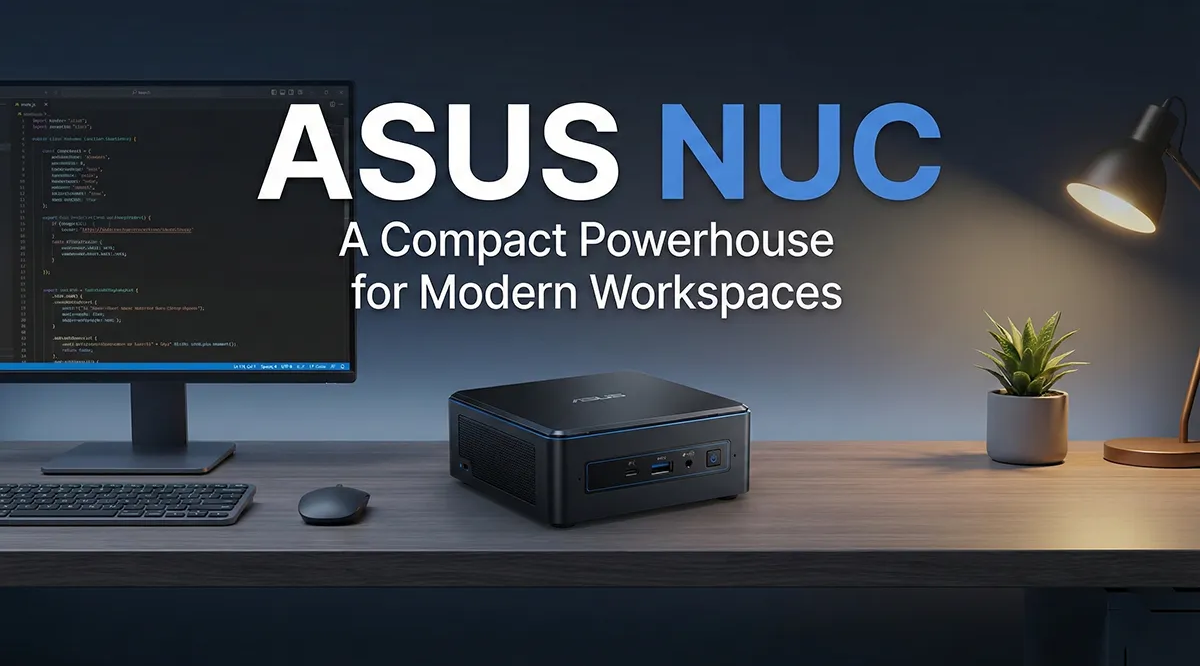
ASUS NUC: A Compact Powerhouse for Modern Workspaces
The demand for compact, energy-efficient, and high-performance computing solutions has grown rapidly across both consumer and enterprise environments. Among the leading solutions in this category is the ASUS NUC, a small-form-factor mini PC that delivers desktop-class performance in an incredibly compact footprint. Built for versatility and speed, ASUS NUC devices have become popular across business, education, retail, healthcare, home entertainment, and edge-computing environments.
In this blog, we explore what the ASUS NUC series offers, its main use cases, key advantages, limitations, and why businesses in the UAE and Africa choose trusted IT distributors like ICTECH Distribution to source these devices reliably and at scale.
What Is ASUS NUC?
Originally developed under Intel’s NUC (Next Unit of Computing) lineup, the platform was later taken over by ASUS, which now manufactures and expands the product family under the ASUS NUC brand. These devices are ultra-compact mini PCs, often as small as a book, yet capable of delivering robust performance comparable to full-size desktop systems.
The ASUS NUC lineup typically features:
- Latest Intel Core i5, i7, and i9 processors
- High-speed DDR4 or DDR5 RAM
- NVMe SSD storage
- Wi-Fi 6/6E and Bluetooth
- Thunderbolt, USB-C, USB-A, HDMI, and DisplayPort connectivity
- VESA mount support for attaching behind monitors
This combination of portability and power makes ASUS NUCs ideal for modern digital environments where desk space, energy efficiency, and reliability matter.
Key Advantages of the ASUS NUC
1. Compact Size
The ultra-small footprint is the biggest selling point. Businesses can place NUCs behind monitors, under desks, or in tight workstation setups without compromising performance.
2. Energy Efficiency
NUCs consume far less electricity than traditional desktops. This makes them suitable for organizations running large numbers of workstations, helping reduce long-term operational costs.
3. Enterprise-Grade Performance
With the latest Intel processors and high-speed NVMe storage, ASUS NUCs can handle professional workloads including multitasking, media editing, and running virtual machines.
4. Modular and Upgradable
Most ASUS NUCs allow upgrading RAM and storage, making them future-proof and easier to maintain.
5. Flexible Deployment Options
They support multiple displays, VESA mounting, and remote management capabilities, making deployment simple for both home and enterprise setups.
Use Cases of ASUS NUC
1. Corporate Workstations
Many organizations use ASUS NUCs as primary desktop replacements. They handle office applications, cloud apps, collaboration tools, CRMs, and ERP solutions efficiently.
2. Digital Signage
NUCs are commonly deployed in malls, hotels, airports, and retail stores to power digital signboards. Their compact size, silent operation, and strong graphic capabilities make them perfect for 24/7 signage.
3. Home and Office Media Centers
For home users, ASUS NUCs serve as excellent media hubs, streaming devices, and compact entertainment systems. Their ability to run 4K content makes them ideal for HTPC environments.
4. Edge Computing & IoT
Because they can run continuously at low power and support remote management, they are widely used in IoT, automation, industrial monitoring, and edge-AI applications.
5. Healthcare, Education & Retail
From patient check-in systems to classroom PCs and POS systems, ASUS NUCs fit easily into kiosks and counters, enabling smooth day-to-day operations.
6. Creative Workloads
High-end NUCs featuring Core i7/i9 CPUs and Intel Iris Xe graphics are used by designers, developers, and editors for mid-level content creation, coding, and virtualization.
Limitations of the ASUS NUC
While ASUS NUCs are powerful and versatile, they do have some limitations compared to full-size desktops or workstations.
1. Limited GPU Capability
Although they support integrated graphics or small add-on modules, ASUS NUCs are not designed for heavy AAA gaming or high-end 3D rendering. Creative professionals with GPU-heavy workloads may require a dedicated workstation.
2. Restricted Upgradability
RAM and storage upgrades are usually easy, but CPU and GPU upgrades are not possible due to the compact design.
3. Thermal Constraints
Despite modern cooling systems, NUCs can run warm during intensive tasks. Sustained heavy workloads may reduce performance due to thermal throttling.
4. Higher Cost vs Traditional Desktops
Compact technology often costs more. The price-to-performance ratio may not appeal to all users, especially when compared to DIY desktop builds.
5. Fewer Expansion Ports
Compared to tower PCs, the number of expansion cards or additional drives is limited due to the size.
Why Buy ASUS NUC from ICTECH Distribution?
For businesses across the UAE and Africa looking to deploy ASUS NUC devices in bulk, reliable sourcing and competitive pricing are essential. ICTECH Distribution is a trusted B2B distributor specializing in high-volume IT hardware supply.
Choosing ICTECH Distribution gives organizations:
- Access to genuine ASUS NUC models
- Competitive bulk pricing
- Fast availability and stock assurance
- Support for enterprise rollouts
- Smooth logistics and after-sales support
ICTECH Distribution ensures businesses receive consistent, high-quality hardware for corporate, retail, industrial, and educational deployments.
Frequently Asked Questions (FAQ)
1. Is an ASUS NUC powerful enough for office work?
Yes. ASUS NUCs easily handle office workloads such as MS Office, video conferencing, ERP systems, cloud apps, and multitasking thanks to their modern Intel processors and fast SSDs.
2. Can ASUS NUC run multiple monitors?
Most models support two or more monitors via HDMI, DisplayPort, or USB-C. Higher-end versions can even support triple-display setups.
3. Are ASUS NUCs reliable for 24/7 use?
Yes. Their compact design, efficient cooling, and low power consumption make them suitable for 24/7 environments such as digital signage, kiosks, and monitoring systems.
4. How long does an ASUS NUC last?
With proper cooling and routine updates, ASUS NUCs often last 5–7 years or more. Many businesses use them as long-term workstation or signage solutions.
5. Where can I buy ASUS NUC in bulk?
Businesses in the UAE and Africa can source ASUS NUC systems directly from ICTECH Distribution, a trusted distributor offering competitive prices and reliable availability
