
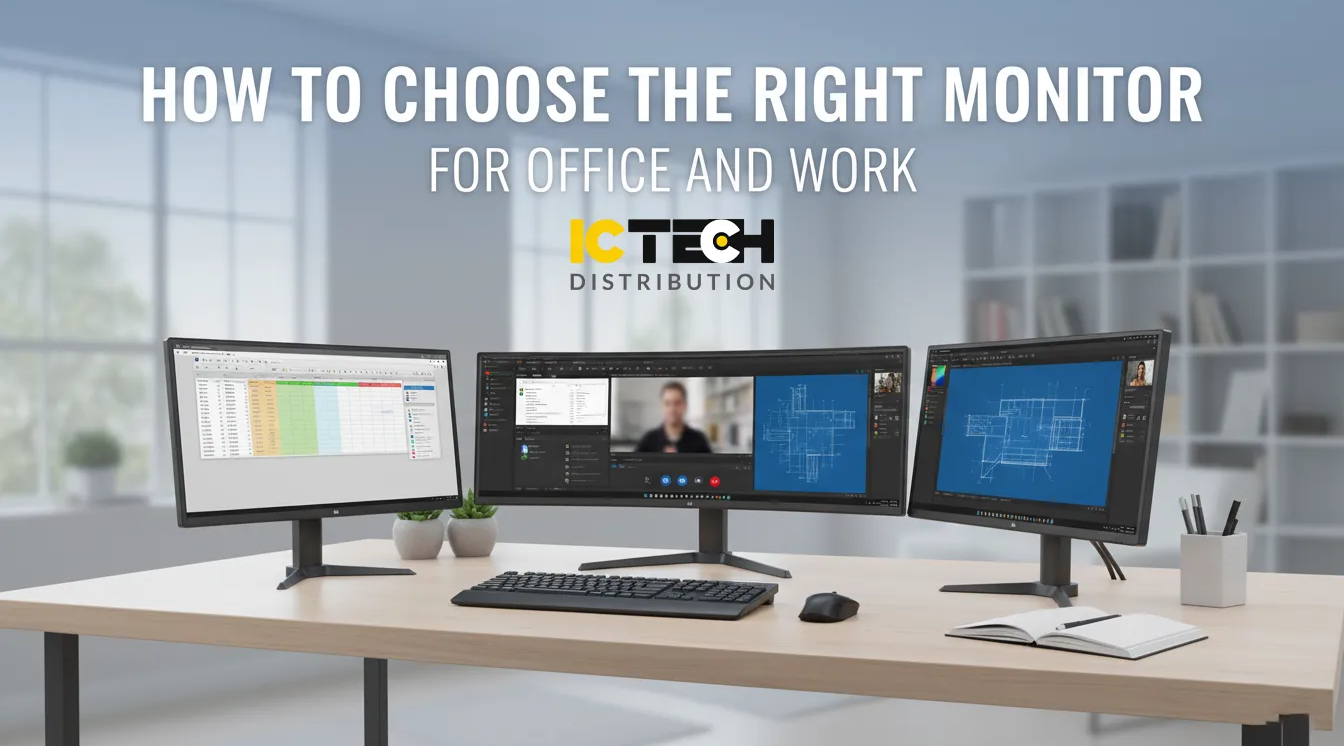
How to Choose the Right Monitor for Office and Work
Choosing the right monitor for your office or workstation is more important than ever. Your display isn’t just a screen—it’s your daily interface with productivity, creativity, and collaboration. The wrong choice can lead to eye strain, reduced performance, and even hardware compatibility issues. The right choice, however, can make your workflow seamless, comfortable, and more visually engaging.
At ICTECH Distribution, one of the UAE’s leading B2B IT distributors, we help businesses and professionals find the ideal monitors that balance performance, comfort, and cost-efficiency. Whether your team handles graphic design, coding, data analysis, or daily office operations, ICTECH Distribution provides access to world-class monitor brands such as Lenovo, HP, Dell, Acer, and Samsung — all designed to meet diverse workspace needs.
This comprehensive guide will walk you through the most important factors to consider when selecting a monitor for professional or corporate use.
1. Start by Defining Your Purpose
The first step in selecting the right monitor is to understand what kind of work you’ll be doing. A one-size-fits-all approach doesn’t apply here, as different professions and workflows have specific display needs:
- Administrative and General Office Tasks: For word processing, spreadsheets, and emails, a 22-inch or 24-inch Full HD monitor is practical, energy-efficient, and affordable.
- Creative Professionals: Designers, photographers, and video editors should look for monitors with high color accuracy, 4K resolution, and IPS or OLED panels that reproduce wide color gamuts.
- Data Analysts and Financial Professionals: A dual-monitor setup or a 34-inch ultrawide curved display is perfect for viewing multiple windows, charts, and dashboards simultaneously.
- Developers and Engineers: High pixel density, crisp text rendering, and adjustable stands improve productivity during long coding sessions or CAD work.
At ICTECH Distribution, we help companies match their technical workflows to the right type of monitor — ensuring that every department has the ideal visual setup for its daily operations.
2. Resolution: Clarity and Workspace
Resolution determines how many pixels your monitor can display — the higher the resolution, the sharper and more detailed your visuals. A higher resolution also gives you more workspace for multitasking.
Here’s a quick overview:
- Full HD (1920x1080) – Ideal for everyday office tasks, economical, and widely supported.
- Quad HD (2560x1440) – Offers sharper detail and more workspace, great for productivity and multitasking.
- 4K UHD (3840x2160) – Delivers exceptional clarity, perfect for graphics and video editing.
- 5K/8K Displays – Emerging in high-end creative and industrial environments.
Keep in mind that your graphics output (GPU or laptop dock) must support the resolution and refresh rate of your monitor.
3. Refresh Rate and FPS: Beyond Gaming
While refresh rate (measured in Hertz) is often associated with gaming, it also affects office productivity. A 60Hz monitor refreshes 60 times per second, while higher-end monitors at 75Hz, 100Hz, or 120Hz offer smoother scrolling, better cursor movement, and reduced flicker.
If you work long hours on spreadsheets or design applications, a higher refresh rate can minimize eye strain and provide a noticeably smoother experience. Many modern business monitors also include adaptive sync technologies that adjust refresh rates dynamically, enhancing comfort and energy efficiency.
4. Panel Types and Color Accuracy
The type of display panel determines color accuracy, brightness, and viewing angles:
- IPS (In-Plane Switching): Offers consistent color and clarity across wide angles — ideal for design, photography, and general use.
- VA (Vertical Alignment): Known for high contrast ratios and deep blacks, excellent for video playback and creative tasks.
- TN (Twisted Nematic): Provides fast response times, often used in budget or gaming monitors.
For professional work, IPS panels are strongly recommended. Also consider factory color calibration, 99% sRGB or Adobe RGB coverage, and Delta E < 2 color accuracy for design-related tasks. Some high-end monitors support HDR (High Dynamic Range) for lifelike brightness and contrast — particularly useful for media creation or color-critical environments.
5. Size and Aspect Ratio
Monitor size is about more than aesthetics. It impacts your productivity and ergonomics.
For office work:
- 24-inch to 27-inch monitors are the sweet spot for most desks.
- 32-inch and ultrawide (21:9) monitors give more workspace, reducing the need for dual setups.
- Curved displays enhance focus and immersion, reducing head and eye movement when multitasking.
ICTECH Distribution offers an extensive range of curved monitors from brands like Samsung and Dell, perfect for professionals seeking an immersive yet practical workspace setup.
6. Ergonomics and Eye Comfort
Since most professionals spend hours in front of their screens, ergonomics and eye safety are critical. Look for monitors that offer:
- Height, tilt, swivel, and pivot adjustment for posture comfort.
- Low Blue Light modes to reduce eye fatigue.
- Flicker-free technology for stable brightness.
- Anti-glare coatings to reduce reflections.
Many business-focused monitors from HP EliteDisplay, Lenovo ThinkVision, and Dell UltraSharp come with TÜV Rheinland certification, ensuring long-term eye comfort and workplace safety.
7. Curved vs. Flat Monitors
Curved monitors have gained popularity in corporate settings due to their immersive viewing angles and natural visual flow.
Advantages include:
- Reduced peripheral distortion
- Less eye movement when viewing large screens
- Enhanced multitasking and focus
However, for precision work like graphic design or architecture, flat screens remain the preferred choice due to their geometric consistency.
8. Connectivity and Ports
Before buying a monitor, ensure it offers the right connectivity for your setup.
Common options include:
- HDMI and DisplayPort – Standard for modern desktops and laptops.
- USB-C – Allows data, video, and power delivery via a single cable, ideal for clean desk setups.
- USB hubs – Enable you to connect peripherals like keyboards or flash drives directly to the monitor.
- Audio out ports – Useful if your system lacks built-in speakers.
USB-C monitors are becoming especially popular in hybrid offices since they simplify connectivity and reduce cable clutter.
9. Multi-Monitor Setups and Workspace Design
If you handle multiple applications or large datasets, consider using dual or triple monitor configurations. They can significantly boost productivity, letting you keep emails, documents, and dashboards open side by side.
At ICTECH Distribution, we often recommend 27-inch QHD monitors for dual-screen office setups. They provide clarity and space without overwhelming the desk area. We also offer VESA-compatible mounts and stands to optimize ergonomics and aesthetics.
10. Energy Efficiency and Build Quality
Professional monitors are built for long hours of use. Look for models with Energy Star, EPEAT Gold, or TCO certifications to ensure energy savings and environmental responsibility.
A durable chassis, strong stand, and reliable internal components ensure your investment lasts for years — especially in large-scale office deployments.
11. Buying from a Trusted Source
Purchasing from a verified supplier like ICTECH Distribution ensures you receive authentic, warranty-backed products from global brands. We support businesses with bulk procurement, quick delivery, and product expertise — from Lenovo ThinkVision displays to Dell Ultrasharp and HP Z-series monitors.
Our team helps clients choose the right monitor type based on their workload, space, and budget — ensuring every purchase adds measurable value to your operations.
Final Thoughts
Your monitor isn’t just a display — it’s the bridge between you and your work. The right monitor enhances focus, comfort, and accuracy, allowing you to perform your best every day. From color-accurate IPS panels to ergonomic curved designs, modern monitors are more advanced and customizable than ever.
Whether you’re setting up a small business workstation or upgrading your corporate IT infrastructure, ICTECH Distribution provides reliable solutions across the UAE and Africa. Explore our wide selection of professional monitors today to discover displays designed for productivity, precision, and performance.
Frequently Asked Questions (FAQ)
Q1. What is the best monitor size for office work?
A: Most professionals prefer 24-inch to 27-inch monitors for standard desks. For multitasking, consider a 32-inch ultrawide curved screen for more workspace.
Q2. Are curved monitors better for office productivity?
A: Curved monitors provide a more immersive viewing experience, reduce eye movement, and can increase productivity in multitasking environments. However, flat monitors are better for precise visual alignment tasks.
Q3. Is 4K resolution necessary for office use?
A: Not always. Full HD or 2K monitors are sufficient for most tasks, but creative professionals and editors benefit from 4K clarity.
Q4. What are the best panel types for office monitors?
A: IPS panels are preferred for their color accuracy and viewing angles. VA panels are great for contrast, while TN panels are suitable for basic or budget setups.
Q5. Does ICTECH Distribution offer bulk orders for corporate clients?
A: Yes. ICTECH Distribution supplies monitors and IT equipment in bulk for offices, resellers, and enterprise clients across the UAE and Africa, with competitive pricing and warranty support
