
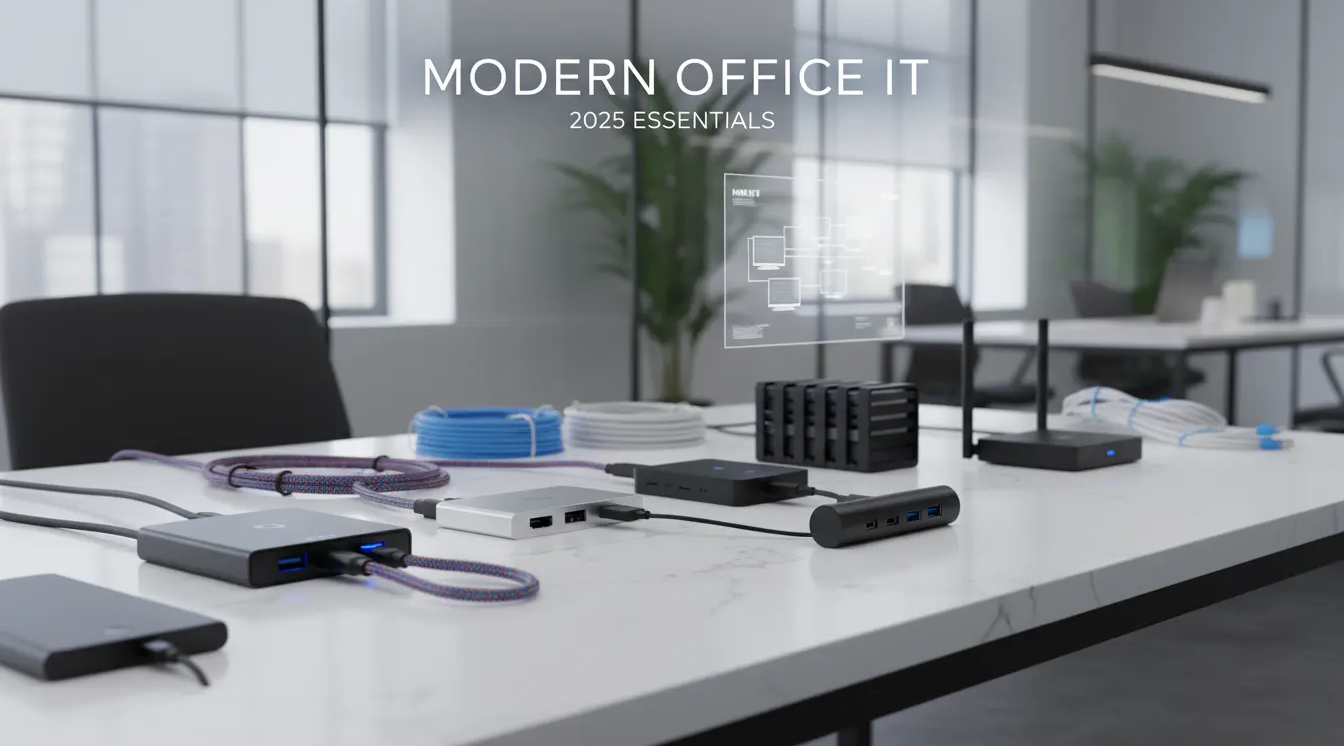
In 2025, modern offices depend heavily on reliable IT infrastructure to ensure productivity, fast communication, and smooth digital workflows. While laptops, desktops, and printers form the foundation of an office, it is the accessories—cables, converters, hubs, docking stations, adapters, and connectivity tools—that keep everything running efficiently.
Whether it’s a growing business, a corporate IT department, or a reseller supplying end customers, having the right accessories ensures compatibility, performance, and flexibility across devices. Companies today work with multiple platforms, from USB-C ultrabooks to high-resolution monitors and high-speed networking systems. Without proper IT accessories, the experience is slow, fragmented, and inefficient.
ICTECH Distribution plays a key role in supplying a wide range of essential IT accessories suitable for all types of offices in 2025. From high-quality connectivity solutions to storage enclosures, networking cables, audio-visual adapters, and multi-port hubs, ICTECH delivers reliable, genuine, and business-ready accessories for companies across the region.
This blog covers the must-have IT accessories every modern office should invest in to improve productivity and long-term efficiency.
1. High-Speed USB-C and USB4 Cables
As USB-C becomes the universal standard, modern offices require high-speed USB-C and USB4 cables that support:
- Fast charging
- High-speed data transfer
- Dual 4K or 8K video output
- Compatibility with laptops, monitors, and docking stations
These cables ensure seamless connectivity with modern ultrabooks, which often have limited ports but rely heavily on USB-C for everything from charging to display output.
Offices benefit from keeping multiple lengths available—short for desks, long for meeting rooms, and medium-length for workstations.
2. HDMI Switches and HDMI Splitters
Meetings, presentations, and digital signage rely on stable HDMI connectivity. HDMI switches and splitters allow offices to:
- Share one display across multiple devices
- Switch between laptops during meetings
- Extend content to multiple screens
- Support 4K and 8K output where needed
For conference rooms, HDMI splitters provide the flexibility to run multiple displays from a single source. Switches help avoid cable swapping during presentations and improve flow in shared environments.
3. DisplayPort and High-Resolution Display Cables
With the rise of high-resolution productivity monitors—4K, 5K, and even 8K—DisplayPort cables are essential. They offer:
- Better color accuracy
- Higher refresh rates
- Improved stability
- Long-distance reliability
Professionals such as designers, analysts, and engineers depend on stable high-resolution output for accurate visual work.
4. Networking Cables for Reliable Internet
A wired network is still the most reliable option for offices. CAT6 and CAT7 cables ensure:
- High-speed connectivity
- Low latency
- Stable bandwidth for large data transfers
- Compatibility with switches, routers, and access points
Modern offices should keep different cable lengths ready for server rooms, desk installations, and backup redundancy.
5. USB Extension Cables for Flexible Workspaces
Workstations, adjustable desks, multi-monitor setups, and shared spaces often require USB extension cables to reach printers, cameras, storage devices, or peripherals without cluttering the workspace.
These extensions:
- Improve desk cable management
- Help maintain accessibility
- Reduce strain on device ports
They also make it easier to connect external devices without frequently moving the computer.
6. Printer Cables and Connectivity Solutions
Although wireless technology is widespread, many professional environments still depend on wired printer cables for:
- Faster, stable print jobs
- Lower latency
- Better compatibility with multifunction printers
- Secure document workflows
Offices with high printing volume benefit from wired solutions to reduce interruptions.
7. Storage Enclosures and Adapter Cables
Modern businesses handle large amounts of data, backups, and file transfers. Storage enclosures allow companies to:
- Convert internal drives into portable external storage
- Backup sensitive data
- Extend SSD life
- Migrate information between devices
Offices also use SATA to USB adapters to quickly access data from 2.5-inch SSDs and HDDs—especially useful for IT departments.
8. USB Hubs and Multi-Port Expansion Devices
With thin and light laptops offering fewer ports, USB hubs are crucial. Offices rely on:
- USB-C hubs
- Multi-port USB 3.0 hubs
- Hubs with LAN support
- Hubs with HDMI or DP output
- Hubs with power delivery passthrough
These increase productivity by connecting multiple peripherals at once—especially in meeting rooms, shared desks, and hot-desking setups.
9. USB Adapters and Converters
Different users and devices require different connectors. Offices should always have adapters such as:
- USB-C to HDMI
- USB-C to VGA
- USB-C to LAN (RJ45)
- USB-C to DisplayPort
- USB-A to USB-C
- USB-C to multi-output video adapters
- Lightning to USB or USB-C
- Audio adapters
- HDMI couplers and gender changers
These ensure smooth compatibility between older devices, new laptops, projectors, and external displays.
10. Docking Stations for Multi-Device Workflows
Docking stations have become the backbone of modern office setups. They allow employees to:
- Connect multiple monitors
- Access high-speed LAN
- Charge devices via USB-C
- Add multiple USB ports
- Connect audio devices
- Work more comfortably at a desk
A 13-in-1 or similar docking solution provides a complete desktop-like experience for laptop users.
Docking stations are essential for:
- Hybrid work environments
- Flexible workstations
- High-performing employees
- Developers and creators
- IT support staff
11. Multi-Charging Cables and Power Accessories
With employees using smartphones, tablets, earbuds, and other accessories, multi-charging cables help reduce clutter while offering:
- Support for Lightning, USB-C, and micro USB
- Fast charging compatibility
- Better cable management
Power delivery adapters and energy-efficient chargers are also essential for office convenience.
How ICTECH Distribution Supports Modern Offices in 2025
ICTECH Distribution supplies a wide range of IT accessories designed for productivity, reliability, and long-term use. The company ensures:
- Genuine, brand-new stock
- High-quality accessories suitable for professional environments
- Fast delivery for business requirements
- Bulk availability for large installations
- Competitive B2B pricing
- Multi-category IT hardware access
From cables and hubs to monitors, laptops, and networking devices, ICTECH provides everything required to set up a seamless, future-ready office.
5 Q&A
1. Why are IT accessories so important for modern office setups?
Accessories ensure compatibility, stability, and workflow efficiency. They help connect multiple devices, extend capabilities, and improve performance in everyday tasks.
2. Should businesses invest in high-quality cables and connectors?
Yes. High-quality accessories reduce connection issues, improve display performance, and ensure reliability during meetings, presentations, and data transfers.
3. Do docking stations really improve productivity?
Absolutely. Docking stations allow multiple screens, LAN connections, charging, and peripheral access—turning laptops into full workstation setups.
4. What type of accessories should a conference room always have?
HDMI splitters, USB-C video adapters, long USB-C cables, LAN adapters, and a universal docking station to support various laptop types.
5. Can ICTECH Distribution supply accessories in bulk for offices and resellers?
Yes. ICTECH Distribution can supply cables, hubs, docking stations, adapters, and other IT accessories in bulk, with fast delivery and competitive business pricing
